top of page
Aetos Strategies App
Install Instructions
On Android: First press the Get Now bottom & Set a Password. — Then look for "Get the app on your home screen" with an Install button. One tap and Aetos Strategies app appears in their app drawer and home screen with the Aetos icon.
On iPhone: First press the Get Now bottom & Set a Password. — Then Apple doesn't allow one-tap install prompts, so the card instead shows instructions: "Tap the Share button, then Add to Home Screen." — an icon on their home screen with the Aetos icon will appear.
View everything in a single app
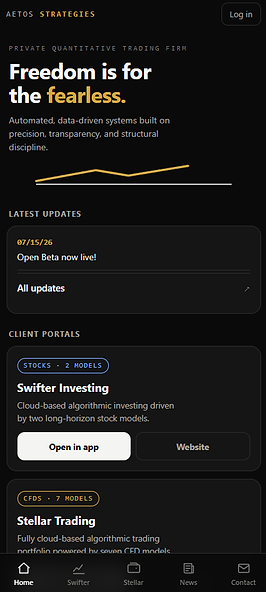
Track your portfolios in 1 place


Stay up to date with the latest News

bottom of page